
Solve any percent problem in seconds — with instant step-by-step working. No signup needed, completely free.
How to Use Our Free Percentage Calculator Online
Our free percentage calculator online makes it easy to solve any
percent-related problem in seconds — no pen, no paper, no confusion.
Whether you are a student checking exam scores, a shopper calculating
discounts, or a professional working with data, this tool gives you
instant answers with full step-by-step working so you understand
exactly how the result was reached.
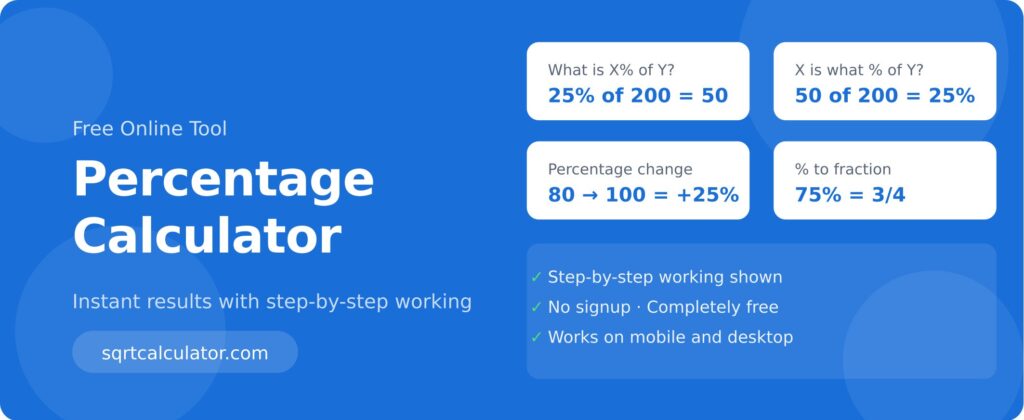
This percent calculator has 4 modes — each designed for a different
type of percentage problem:
- What is X% of Y? — Find a percentage of any number. Example: What is 15% of 800?
- X is what % of Y? — Find what percentage one number is of another. Example: 45 is what % of 180?
- Percentage Change — Use this as a percentage increase calculator or decrease calculator between two values.
- Percentage to Fraction — Convert any percentage to its decimal and simplified fraction form instantly.
Simply enter your numbers, click Calculate, and get your answer with complete working shown.
4 Most Common Uses of a Percentage Calculator
Here are 4 everyday situations where knowing how to calculate
percentage saves you time and avoids costly mistakes:
- Shopping Discounts — Find exactly how much you save when a product is 30% off. Enter the original price and percentage to get the final price instantly.
- Exam Scores — Got 47 out of 60 marks? Use the “X is what % of Y” tab to find your exact percentage score in one click.
- Salary Hike — Calculate your exact raise amount when your employer offers a 12% increment on your current salary.
- GST and Tax — Quickly find how much GST is added to any price using the percentage of a number feature.
How to Calculate Percentage — 4 Simple Formulas Explained
Understanding how to calculate percentage manually helps you verify results and build confidence in maths. Here are the 4 core formulas
this percentage calculator uses:
Formula 1 — Find X% of a Number
Result = (X ÷ 100) × Number
Example: 20% of 500 = (20 ÷ 100) × 500 = 100
Formula 2 — Find What Percentage X is of Y
Percentage = (Part ÷ Whole) × 100
Example: 75 is what % of 300? = (75 ÷ 300) × 100 = 25%
Formula 3 — Percentage Increase or Decrease
% Change = ((New − Old) ÷ Old) × 100
Example: Price ₹200 → ₹250 = ((250−200) ÷ 200) × 100 = 25% Increase
Formula 4 — Percentage to Fraction
Fraction = Percentage ÷ 100 (then simplify)
Example: 75% = 75/100 = 3/4
Our percentage calculator online applies all 4 formulas automatically — just enter your values and get the answer with working shown.
How to Convert Percentage to Fraction and Decimal
Converting a percentage to fraction is straightforward. Divide the
percentage by 100 and simplify the result by finding the Greatest
Common Divisor (GCD).
For example, to convert 60% to a fraction: 60 ÷ 100 = 60/100.
The GCD of 60 and 100 is 20, so 60/100 simplifies to 3/5. Our
calculator’s 4th tab does this automatically for any percentage
you enter.
Common conversions to remember:
50% = 0.5 = 1/2
25% = 0.25 = 1/4
75% = 0.75 = 3/4
33.33% = 0.333 = 1/3
10% = 0.1 = 1/10
More Free Calculator Tools on sqrtcalculator
Looking for more free math tools? Try these on our site:
Square Root Calculator
Square Root Quiz
Math Blog
Learn More About Percentages — Trusted External Resources
For a deeper understanding of percentage concepts and formulas, refer to these trusted educational resources: